
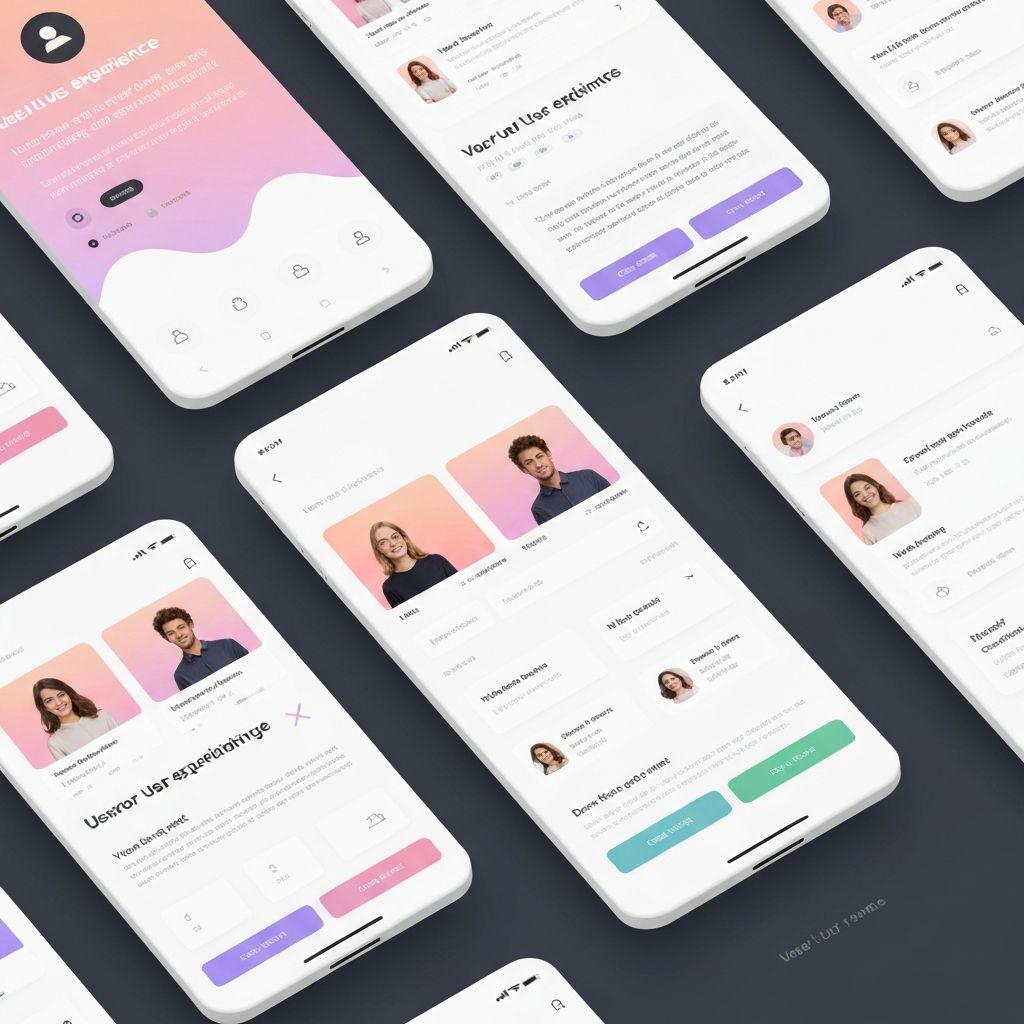
UI/UX Design Trends That Will Dominate 2024
Explore the latest UI/UX design trends and learn how to create user experiences that delight and engage your audience.
UI/UX Design Trends That Will Dominate 2024
User experience design continues to evolve as technology advances and user expectations grow. In 2024, we're seeing a fascinating blend of innovative technologies, sustainability concerns, and a renewed focus on accessibility and inclusive design.
The State of UI/UX in 2024
As digital products become increasingly sophisticated, the role of UI/UX design has never been more critical. Users expect seamless, intuitive experiences across all devices and platforms, and designers are rising to meet these challenges with creative solutions.
Top UI/UX Trends for 2024
1. AI-Powered Personalization
Artificial Intelligence is enabling unprecedented levels of personalization in user experiences. From content recommendations to adaptive interfaces, AI is helping create experiences tailored to individual user needs.
AI Applications in UX:
2. Immersive 3D Experiences
With improved browser capabilities and faster internet speeds, 3D elements are becoming more prevalent in web design. These immersive experiences help brands stand out and engage users in new ways.
3D Design Trends:
3. Micro-interactions and Animations
Thoughtful micro-interactions continue to play a crucial role in creating delightful user experiences. These small details provide feedback, guide users, and add personality to interfaces.
Effective Micro-interactions:
4. Dark Mode and Theme Customization
Dark mode is no longer optional—it's expected. Beyond basic dark mode, users want the ability to customize their experience with theme options.
Theme Considerations:
5. Voice User Interfaces (VUI)
Voice interaction is becoming more sophisticated and widely adopted. Designing for voice requires new thinking about user flows and feedback.
VUI Best Practices:
6. Sustainable and Ethical Design
Designers are increasingly considering the environmental and social impact of their work. Sustainable design practices are becoming mainstream.
Sustainable Design Principles:
7. Neumorphism Evolution
Neumorphism has evolved into a more practical and accessible design approach, combining the best aspects of flat design and skeuomorphism.
Modern Neumorphism:
8. Asymmetrical Layouts
Breaking away from traditional grid systems, asymmetrical layouts create visual interest and guide user attention more effectively.
Asymmetry Benefits:
Mobile-First Design Evolution
Progressive Web Apps (PWAs)
PWAs continue to blur the line between web and native applications, offering app-like experiences without the need for downloads.
PWA Advantages:
Gesture-Based Navigation
As smartphones become more sophisticated, gesture-based navigation is becoming more intuitive and widely adopted.
Gesture Design:
Accessibility and Inclusive Design
WCAG 2.2 and Beyond
Accessibility standards continue to evolve, and designing for all users is becoming not just good practice but a legal requirement.
Accessibility Priorities:
Inclusive Design Practices
Going beyond technical accessibility, inclusive design considers diverse user needs from the start.
Inclusive Principles:
Data Visualization and Dashboards
Interactive Data Experiences
Modern data visualization goes beyond static charts to create engaging, interactive experiences that help users understand complex information.
Visualization Trends:
Dashboard Design Best Practices
Effective dashboards present complex information in an easily digestible format while allowing for deep dives when needed.
Dashboard Essentials:
Design Systems and Component Libraries
Atomic Design Methodology
Building scalable design systems using atomic design principles helps maintain consistency across large applications.
Design System Components:
Collaborative Design Tools
Tools like Figma and similar platforms are enabling better collaboration between designers and developers.
Collaboration Features:
Psychology in UX Design
Cognitive Load Management
Understanding cognitive load helps designers create interfaces that are easy to understand and use.
Cognitive Load Principles:
Emotional Design
Creating emotional connections with users through design helps build loyalty and engagement.
Emotional Design Elements:
Performance and Speed
Core Web Vitals
Google's Core Web Vitals are crucial metrics that impact both user experience and search rankings.
Key Metrics:
Performance Optimization
Fast-loading interfaces are essential for good user experience and business success.
Optimization Strategies:
Testing and Validation
User Testing Methods
Regular user testing ensures designs meet real user needs and expectations.
Testing Approaches:
Design Validation
Validating designs before development saves time and resources.
Validation Methods:
Future-Proofing Your Design
Adaptable Design Systems
Creating flexible design systems that can evolve with changing needs and technologies.
Flexibility Factors:
Emerging Technologies
Preparing for new technologies while maintaining current best practices.
Emerging Considerations:
Conclusion
UI/UX design in 2024 is about creating experiences that are not only beautiful and intuitive but also accessible, sustainable, and emotionally resonant. The trends we're seeing reflect a maturing discipline that considers the full impact of design decisions on users, businesses, and society.
Success in UI/UX design comes from balancing innovation with usability, aesthetics with accessibility, and creativity with data-driven decision making. As designers, our goal is to create experiences that not only meet current needs but anticipate future ones.
The future of UI/UX is exciting and full of possibilities. By staying informed about trends, continuously learning, and always putting users first, designers can create experiences that truly make a difference.
Emily Zhang
Lead UX Designer
Emily Zhang is a Lead UX Designer at GoForSys with a passion for creating intuitive and delightful user experiences. With over 10 years of experience in digital design, she has worked with startups and Fortune 500 companies to transform their products.
Join the Discussion
Share your thoughts and engage with other readers about this article.
Never Miss an Update
Subscribe to our newsletter and get the latest tech insights delivered to your inbox.